Extension: FAQ
-
Extension Name: ext.magento2.cleverzoeger.faq (CleverZoeger_Faq)
-
Shop Link: https://shop.clever-zoeger.de/faq-m2.html
-
Magento Compatibility: 2.4.x
-
PHP Compatibility: 8.1, 8.2, 8.3, 8.4
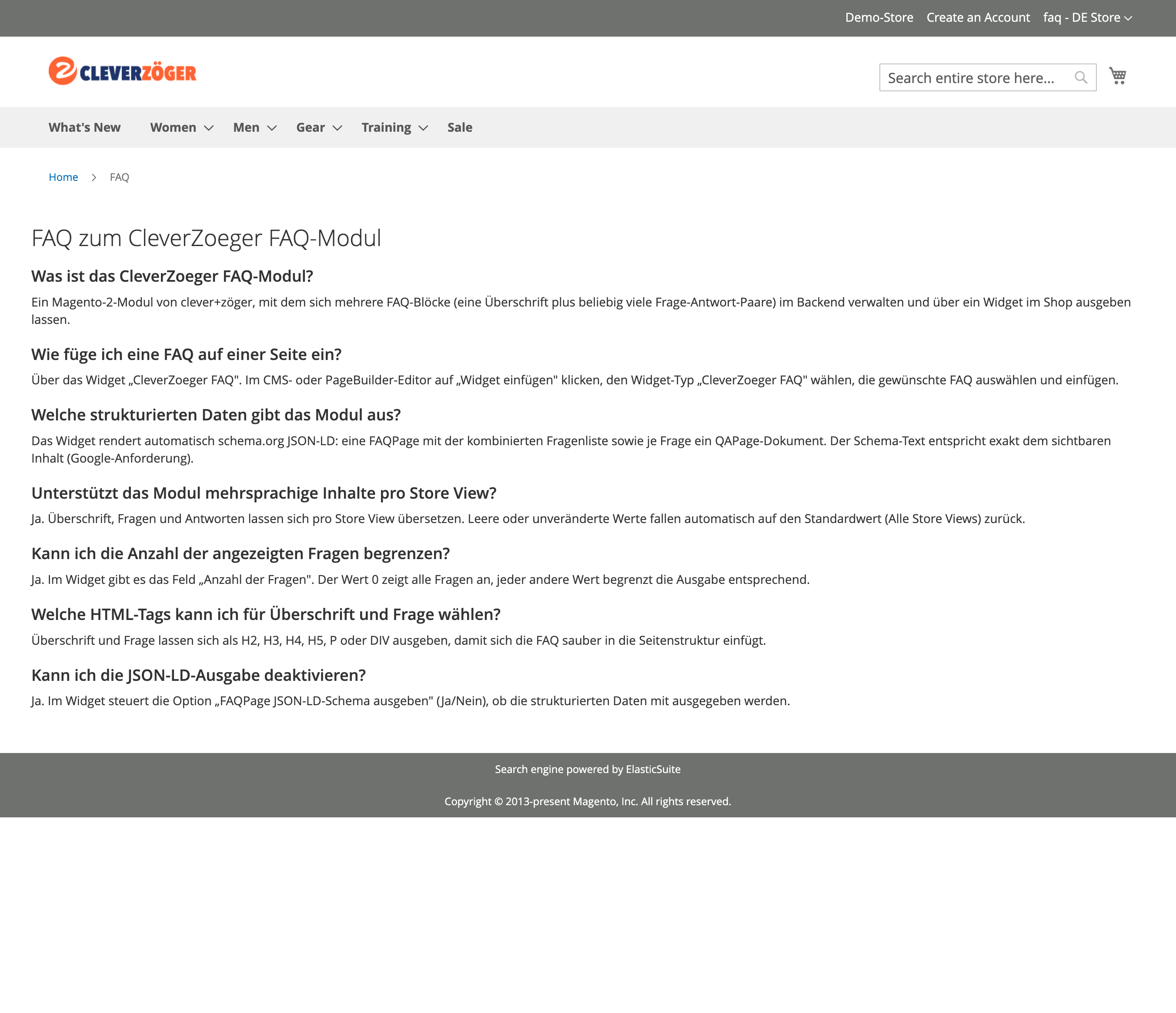
This Magento 2 extension lets you manage any number of FAQ blocks in the admin. Each FAQ has a heading and multiple question/answer pairs. A widget renders a selected FAQ on any CMS page, block or category, with configurable heading and question tags and an optional question limit.
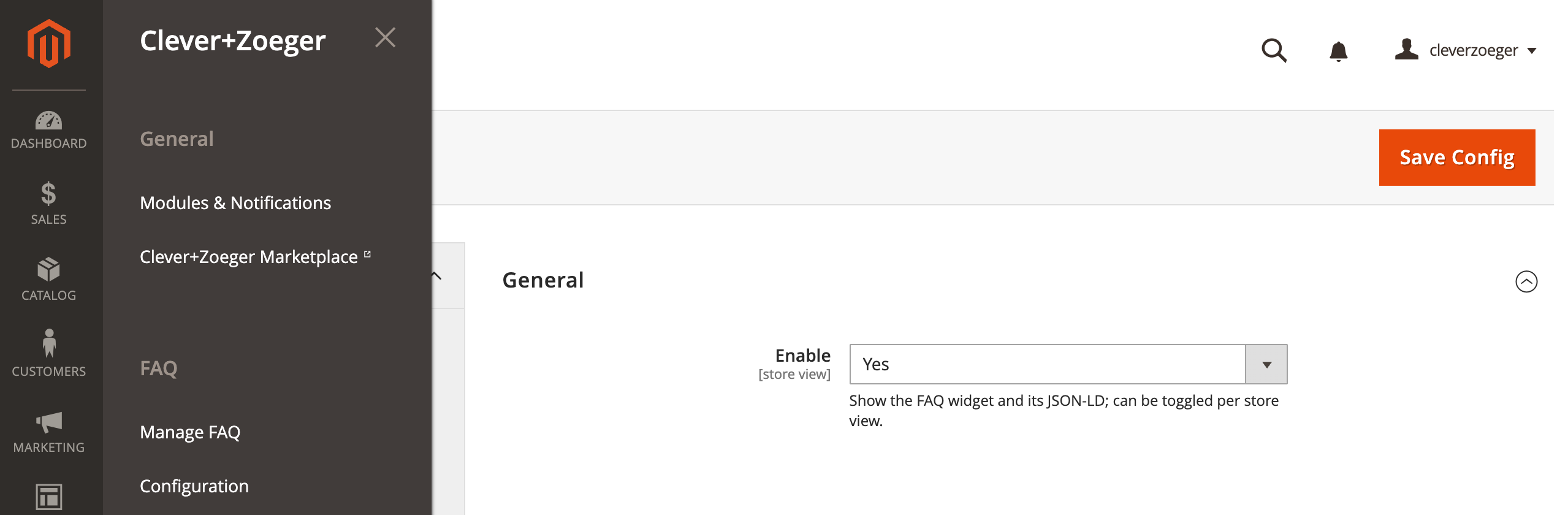
Backend: Configuration
Stores › Settings › Configuration › CLEVER+ZOEGER › FAQ > Configuration.
-
Enabled – Enable or Disable this module
Implementation
A FAQ is maintained under Clever+Zoeger > FAQ. To output it, insert the CleverZoeger FAQ widget and choose the FAQ plus the display options (show heading, heading tag, question tag, number of questions).
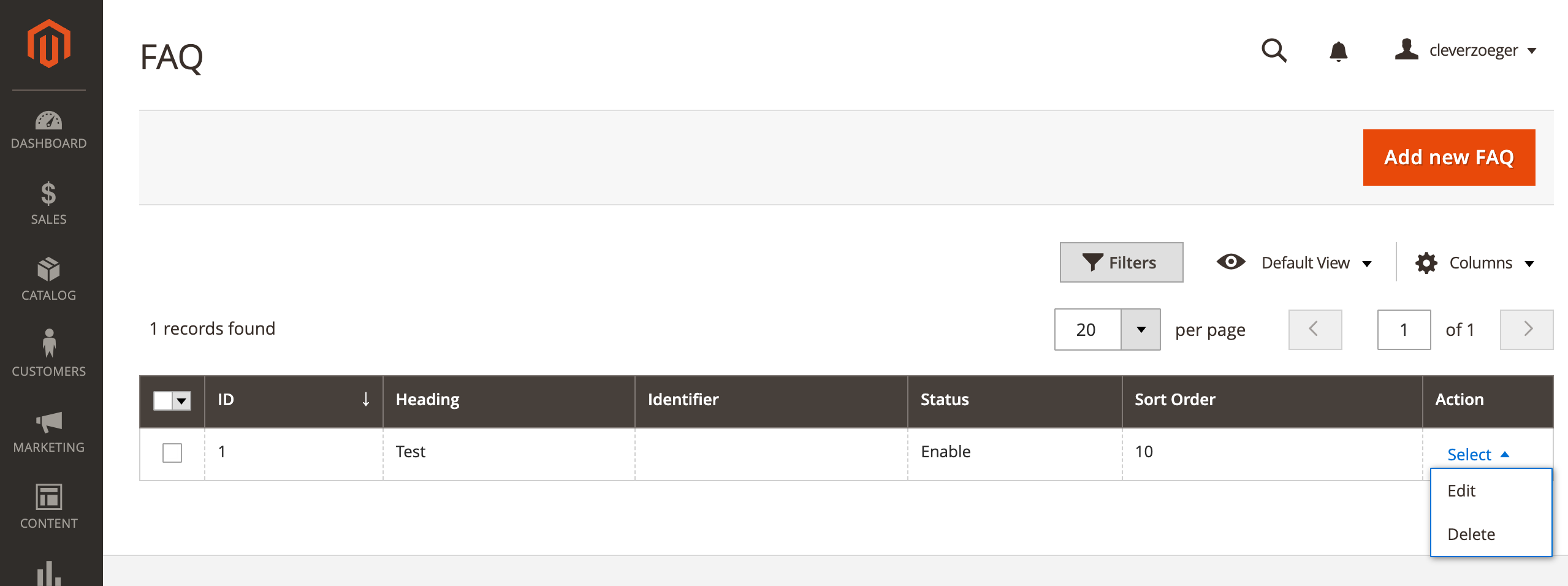
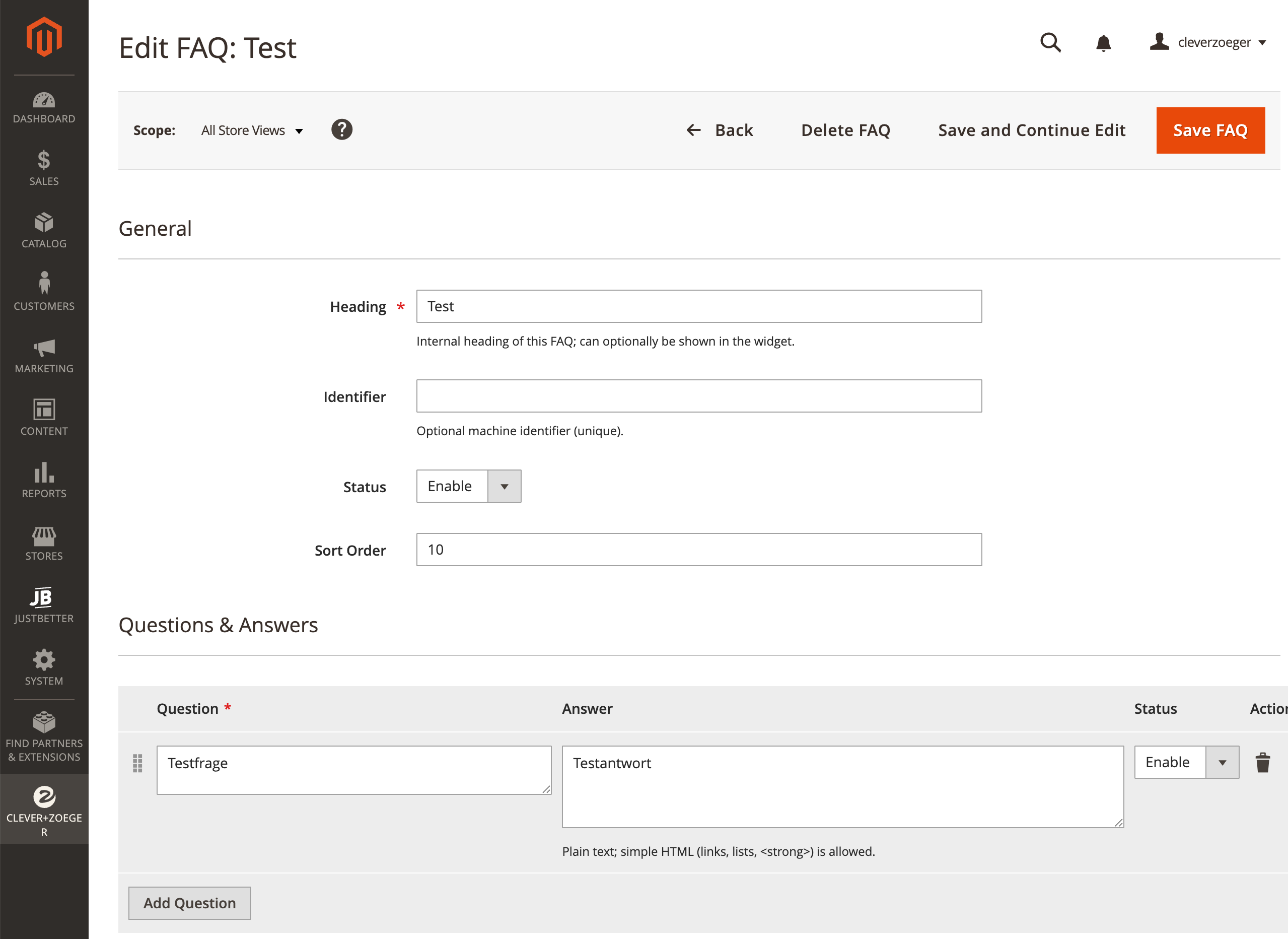
Example: FAQ via Widget
This Exmaple explaines, how easy you can add a clever+zöger FAQ via widget. All needed schema.org informations will be automatically added.
-
Go to CONTENT > Widgets
-
Press Add Widget
-
Choose Type CleverZoeger FAQ
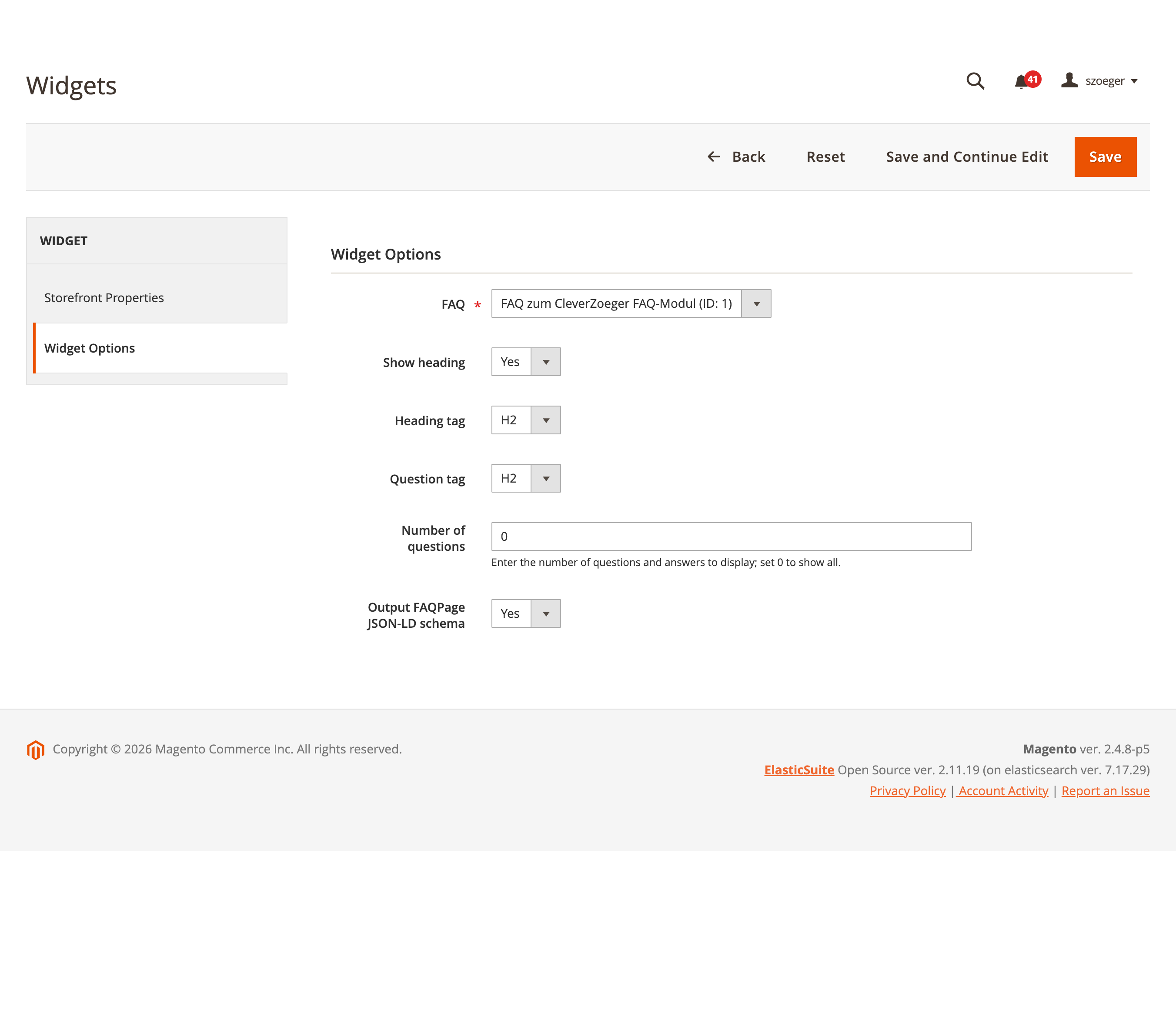
Widget Options
-
FAQ Displays all configured FAQs
-
Show headline Hide or show FAQ headline
-
Headline tag Html tag for FAQ headline
-
Question tag Html tag for FAQ Questions
-
Number of questions It is possible to show just a limited number of questions.
-
Output FAQPage JSON-LD schema This schema is needed for AI pages or crawler.